
Congregate AI Suite
Smart tools built into every corner of Congregate.
Church staff and volunteers spend hours on work that matters but moves slowly: typing up sermons, writing descriptions, proofreading the newsletter, entering events from a flyer, and counting heads on Sunday morning. The Congregate AI Suite does that work for you, inside the Congregate Admin screens you already use.
Everything Included in the AI Suite
Sermon Transcriptions and Descriptions
Sermon audio and video are transcribed automatically into readable paragraphs, so your archive becomes something members can read and search engines can find. Turn on Auto Transcribe and every new sermon is transcribed when you save it, or transcribe any past sermon with one click.
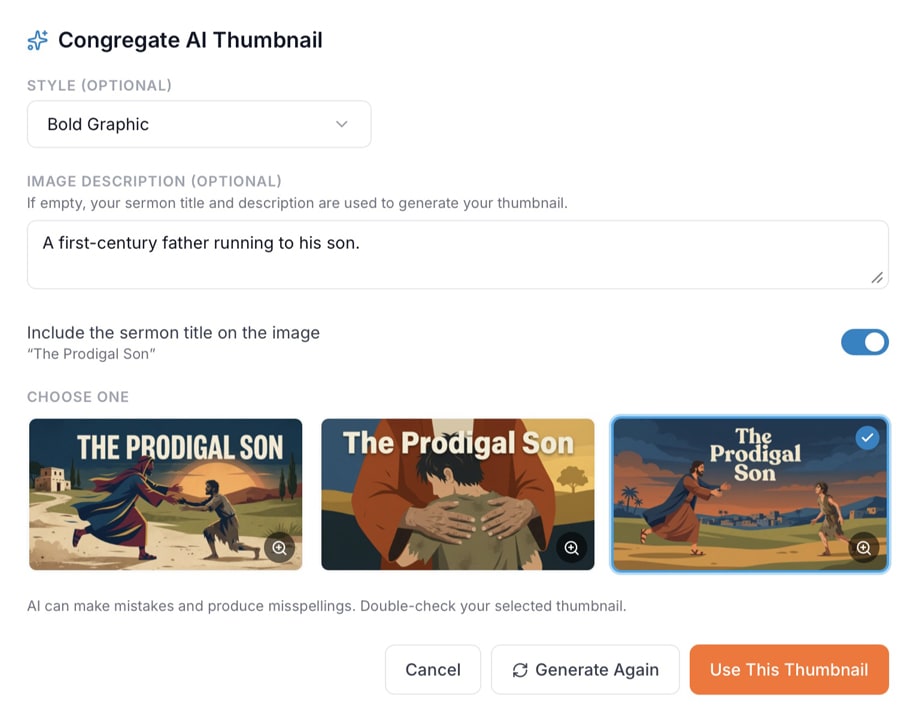
Congregate AI also listens to each sermon and suggests a description, topic tags, and the Bible passages it uses, ready for you to review before you save. Articles get the same help from an attached PDF, Word, or PowerPoint file.
- Your sermons are safe and never used for AI training.

Every Image Your Church Needs
Enhance directory photos with clean, consistent backgrounds and framing, so your whole directory looks uniform no matter where each photo was taken. Faces are never changed, and the original is always kept.
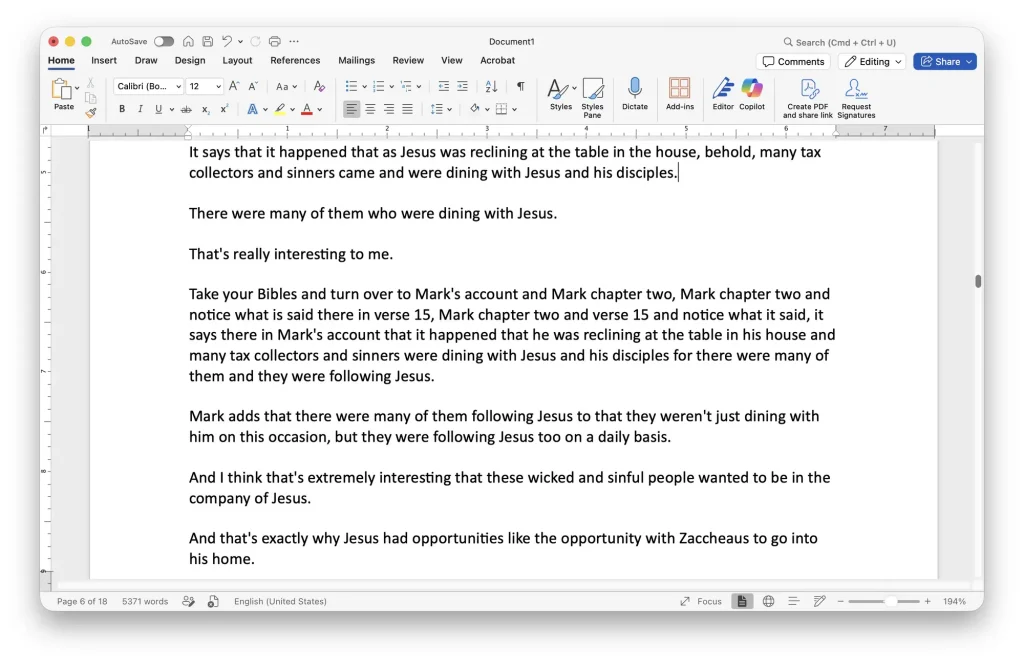
Generate thumbnails for sermons and articles, and create images for your website, slideshow, and backgrounds by simply describing what you want.
- Your images are safe and never used for AI training.
Ask Anything About Your Data
Type a question in plain English, such as “Who has missed the last three Sundays?” or “Which volunteer slots are open next month?”, and get the answer in seconds. Ask works in attendance, the directory, visitors, jobs, volunteers, sermons, articles, the blog, news, songs, classes, resources, finances, the calendar, and Leadership CRM.
Dashboard Insights does the asking for you, highlighting what is happening in your church each day right on your dashboard. Ask only reads your data; it never changes anything.
- Your data is safe and never used for AI training.


Writing Help in Every Editor
Proofread checks spelling and grammar above every editor, and checks a whole designed page at once. Reword says your text again Shorter, Friendly, or Formal, and Copy Writer writes original copy for a page from a short description.
On any page, Generate writes your SEO keywords and description from the page itself, so search engines understand what each page is about.
Calendar Events from a Flyer, Email, Post
Take a picture of a flyer, upload a PDF, or paste the details from an email or a Facebook post, and Congregate AI fills in the event for you: the title, date, time, location, and description. You check it, make any changes, and save.
No more retyping what is already written somewhere else.


Translations for Every Member
Translations reach people your English content cannot. Save a translated copy of an article, blog post, or page with the same layout and images, or include a translation right below a news post, announcement, email, or text message, so everyone receives both languages.
Sermons can carry a translated title, description, and transcript too, so a visitor who reads more comfortably in Spanish, Korean, or Vietnamese can follow along.
Attendance Counts from Photos
Take one or more photos of the room and Congregate AI counts everyone it can see, including people seen from behind, and combines several photos into one total you can adjust before saving.
Photos are never saved or shared, and no one is identified.
- Your images are safe and never used for AI training.

Frequently Asked Questions
The Congregate AI Suite is a premium feature that adds AI tools throughout Congregate Admin: sermon transcriptions, translations, writing help, image generation, directory photo enhancement, events from flyers, attendance counts from photos, and the ability to ask any question about your data.
The AI Suite can be added to any Congregate service plan. Like every premium feature, it is billed month-to-month with no contract, and it can be added or removed at any time.
Your monthly credits cover a lot. Each month, the Congregate AI Suite includes enough for at least 500 writing and question tasks (proofreading, rewording, Copy Writer, Ask, SEO, and events from flyers), 30 sermon transcriptions, descriptions with tags and Bible references (based on ~40-minute sermons), and 90 images (for example, 30 thumbnail generations with three options each, or 90 enhanced directory photos). Credits reset on the first of each month, and if your church needs more, you can purchase additional monthly credits at any time.
Yes. You can enable/disable translations, images, media analysis, dashboard Insights, and sermon transcriptions at any time.
Your content is sent only to complete the request you make, and Congregate does not store your questions or the answers. Congregate AI ensures that no content (including directory and/or attendance photos) is stored or used to train any of the LLMs we utilize.
Yes. However, clients using Congregate for WordPress will not be able to utilize the proofreading, rewording, and copy writer features when editing their web pages directly, since those are edited in WordPress. They can still be used in the message center, posts, articles, news, etc. as all of the AI features included in the suite work within Congregate Admin, used by both WordPress and non-WordPress users.